Emails to students and parents.
Campaigns are planned.
Group email campaigns with templates and scheduling are planned for Pro+ and are not available yet. Lesson and assignment reminders are a separate feature of the current plans.
- Templates
- Preview
- Segments

Product screen · Demo example
Sound familiar?
Keeping students in the loop without newsletters:
- You copy the same "homework is ready" message into Telegram one by one
- Mailchimp is another login and another student list to sync
- Parents and students miss the dashboard link buried in a chat
- No preview of what the email will look like before you hit send
Planned for Lenitera
What the finished workflow is designed to provide:
- Templates with student and dashboard variables
- A clear preview before sending
- Segments: all students, a group, or a hand-picked list
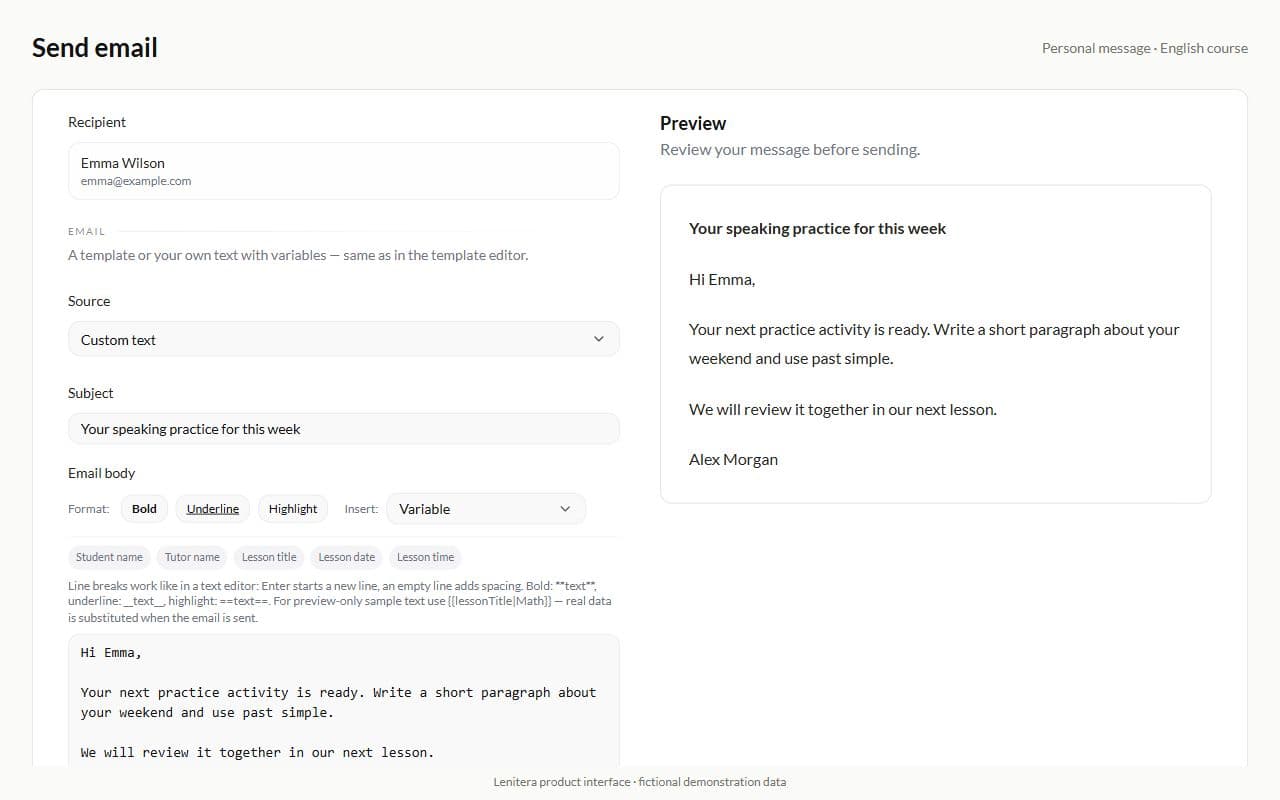
- Personal compose for one-off messages
The planned campaign workflow
Pick a template or write once
Use the student name and dashboard link in a reusable subject and message.
Choose who receives it
Choose all students, a group, or selected recipients, then send now or schedule it for later.
Preview and send
Review the complete email, then track drafts and scheduled sends in one list.
From template to inbox
Campaign list and delivery status
The planned list will keep drafts, scheduled sends, and delivery history together.
Full email preview
Review the subject, message, and call to action before anything is sent.

Create from a template
Choose the audience, recipients, and an optional schedule in one clear flow.

Personal compose
When one student needs a nudge — compose and send without building a campaign.
More for your teaching

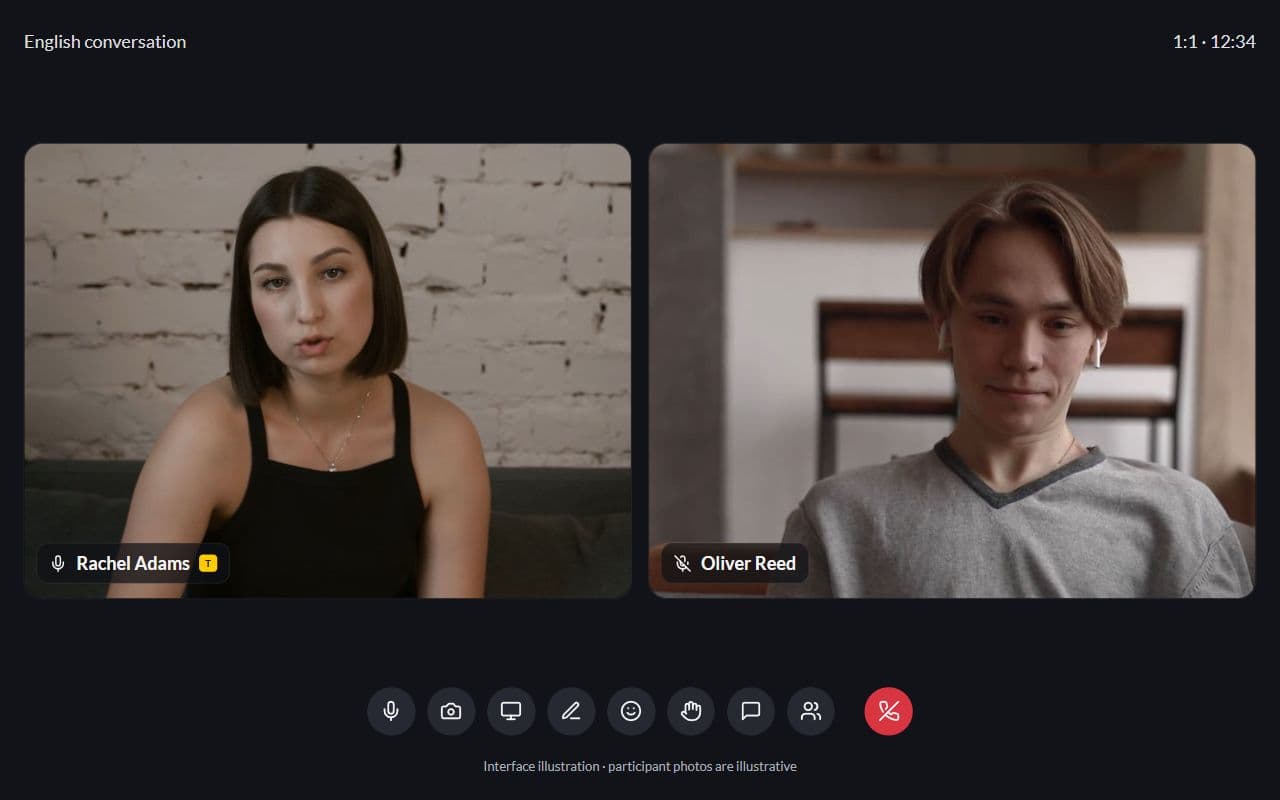
Student portal
Homework, tests, and materials through one dashboard — no more "where is the link?"
Learn more
Homework and tests
Written work, problem sets, quizzes, and practice tests in the same learning plan
Learn more
Frequently asked questions
- No. A campaign sends email to selected recipients. A PDF report contains one student’s learning results. Manual reports are available on Pro; campaigns are planned.
- Not yet. Scheduling is planned as part of the upcoming Pro+ email campaign feature.
- The planned campaigns will use the email on the student profile and can link directly to the student portal.
Try Lenitera in your teaching
Start with a template and one student. Your first 14 days of Pro need no card.