Teach online.
Keep the program close to your lessons.
Open the materials during class and assign practice afterward. Student assignments and work are ready when you prepare the next meeting.
- One path instead of Notion plus chats
- Homework and materials behind a link
- The student profile = context for the lesson
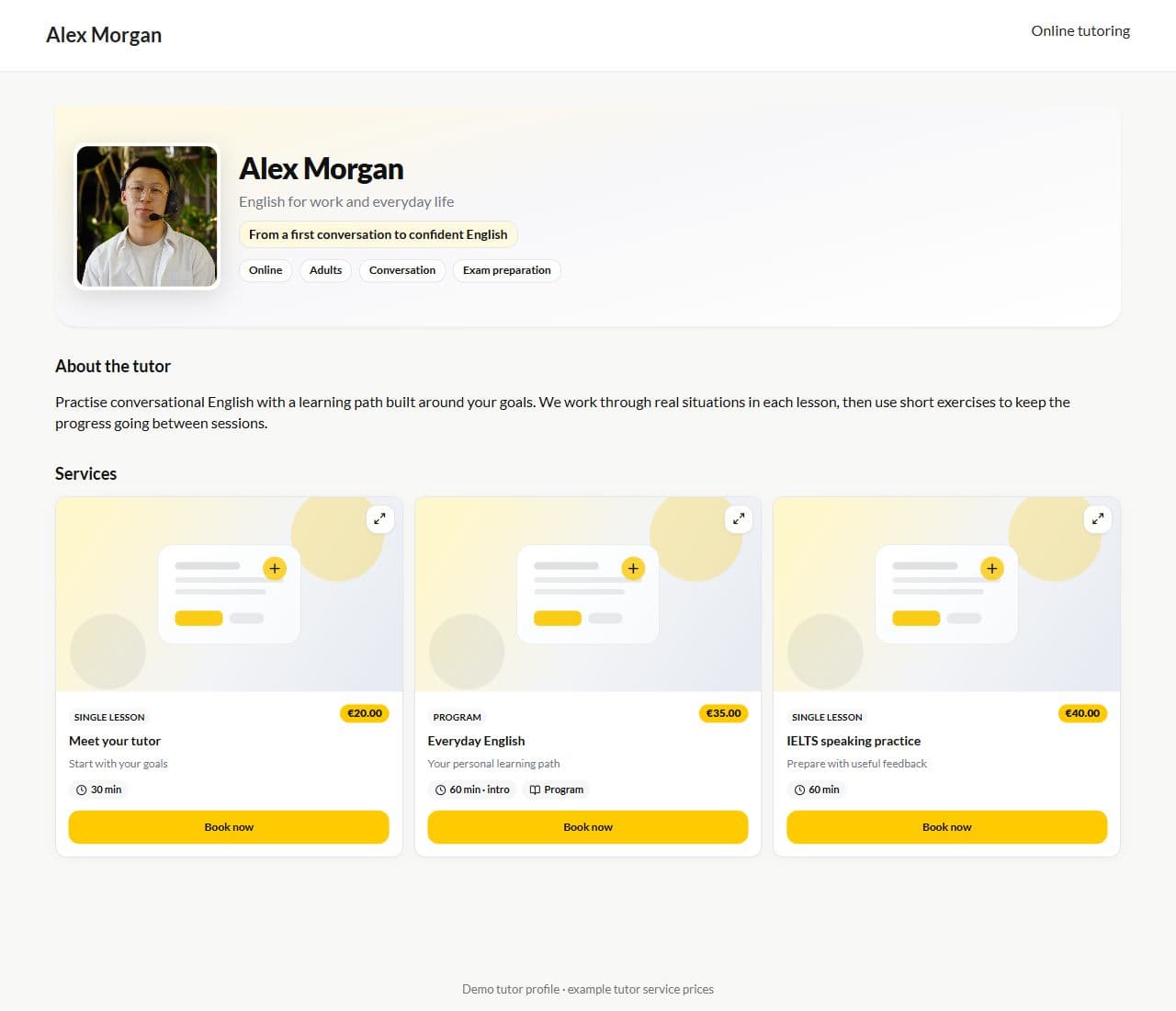
Product screen · Demo example
The typical online stack
Zoom + Notion + chat
What you end up with:
- The program lives in one place, the tasks in another
- Files get lost between students
- Fifteen minutes before a lesson spent finding context
- A new service for every new pain
With Lenitera
A calmer online teaching workflow:
- The path links lesson, material, and homework
- Students open a step by link
- Progress is not stored in your memory
- The calendar is nearby; teaching is the center
The online rhythm
Assigned
A path for the student — it is clear what happens between sessions.
The call
Open the card: past steps and homework are already there.
After
Hand out the next step — no separate round of sending files.
Teach in-platform or keep Zoom
Live session tools when you want them — the path still holds the program and homework either way.
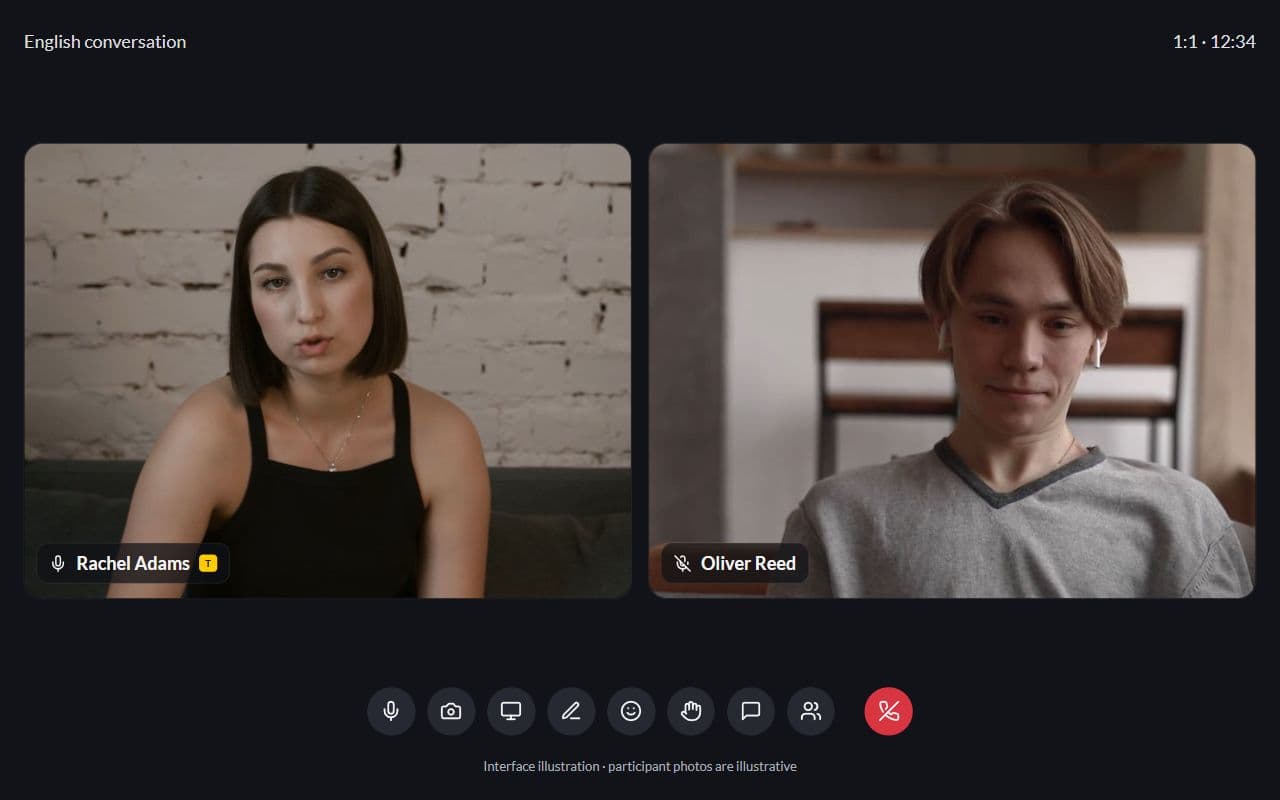
Interface illustration · Demo example
Program and practice without five tabs
Lesson context, materials, and homework stay together, so you do not need to search several tools before every call.

Booking without another tool
Students find you and book; the path starts after enrollment instead of another spreadsheet.
What replaces the online stack

Learning plans
Lessons, materials, homework, and checkpoints arranged around each student's goal
Learn more
Frequently asked questions
- Yes. Zoom or Meet is fine. The path keeps the program and the practice from living only in a chat.
- That is exactly the online-first case: everyone has their own path and statuses, instead of one shared spreadsheet.
- Google Classroom centers on classes and assignments. Lenitera centers on each student’s learning plan, with support for both one-on-one lessons and groups.
Try a program with one student
Free plan available. 14 days of Pro included. No card required.