Your teaching. A plan for every student.
Plan lessons, teach, and review assignments in Lenitera. Use each student’s work and results to decide what to review and adjust the program to their pace.
Free plan · 14 days of Pro · No card
Start with a ready-made template and one student.
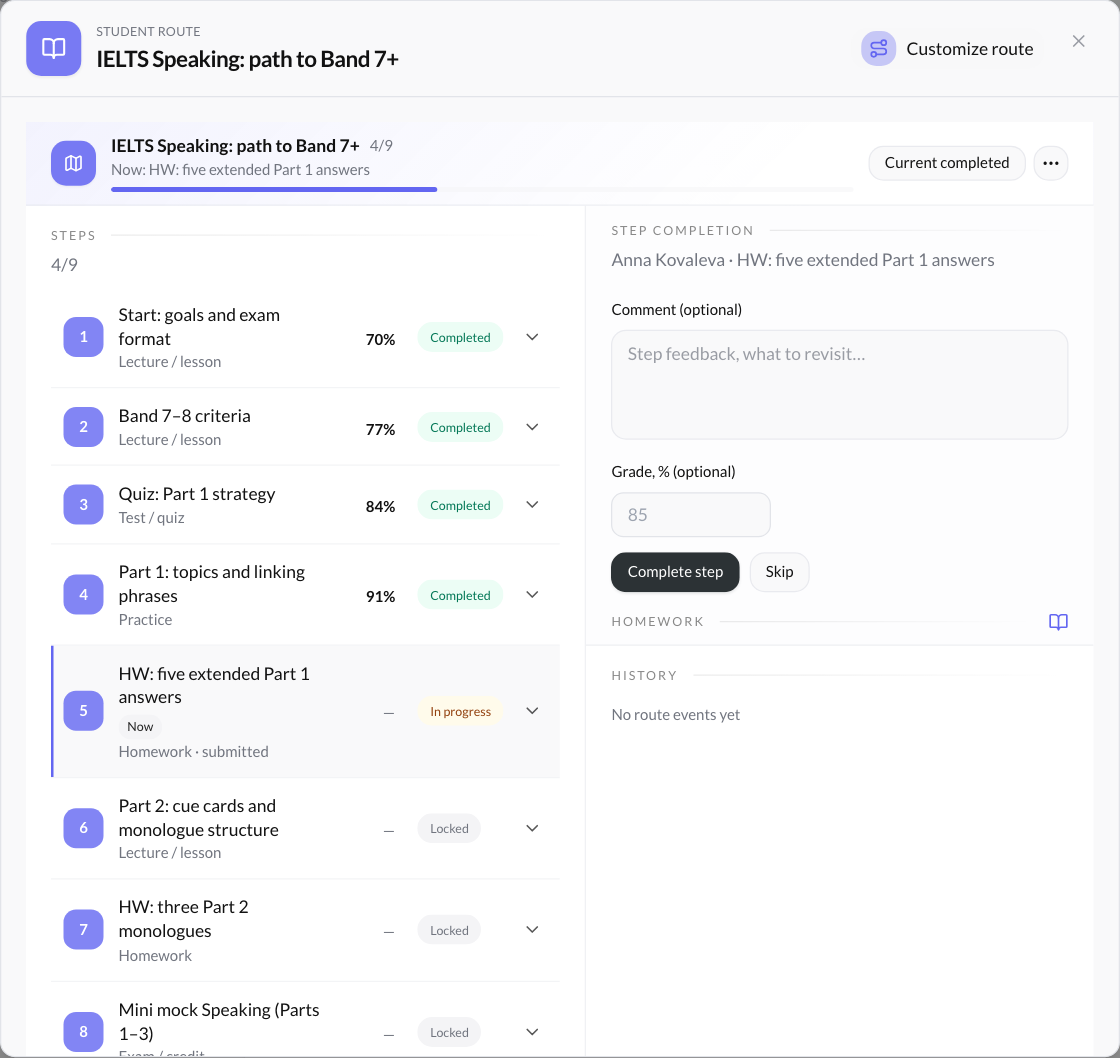
Assignments and results stay beside the program topics.
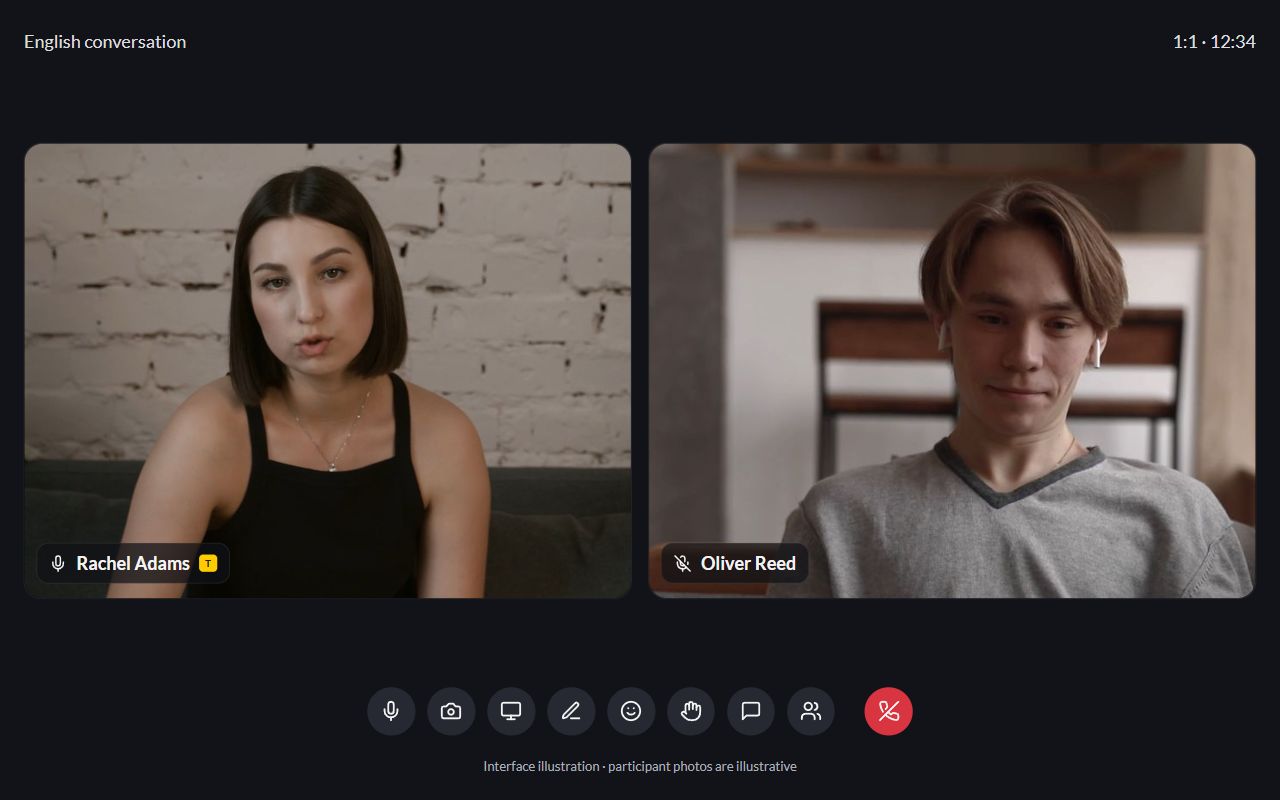
One-to-one and group lessons
Any subject. Your teaching approach.
For children and adults
From lesson plans to student results.
Keep the program, materials, and student work together. Before a lesson, see what is done and what needs attention.
Your program. Each student’s pace.
Start with a template or build a program from your materials. Each student gets a personal learning plan: add practice and reorder topics while keeping the original program.
- Reuse materials and assignments across programs
- Individual changes leave the original template intact
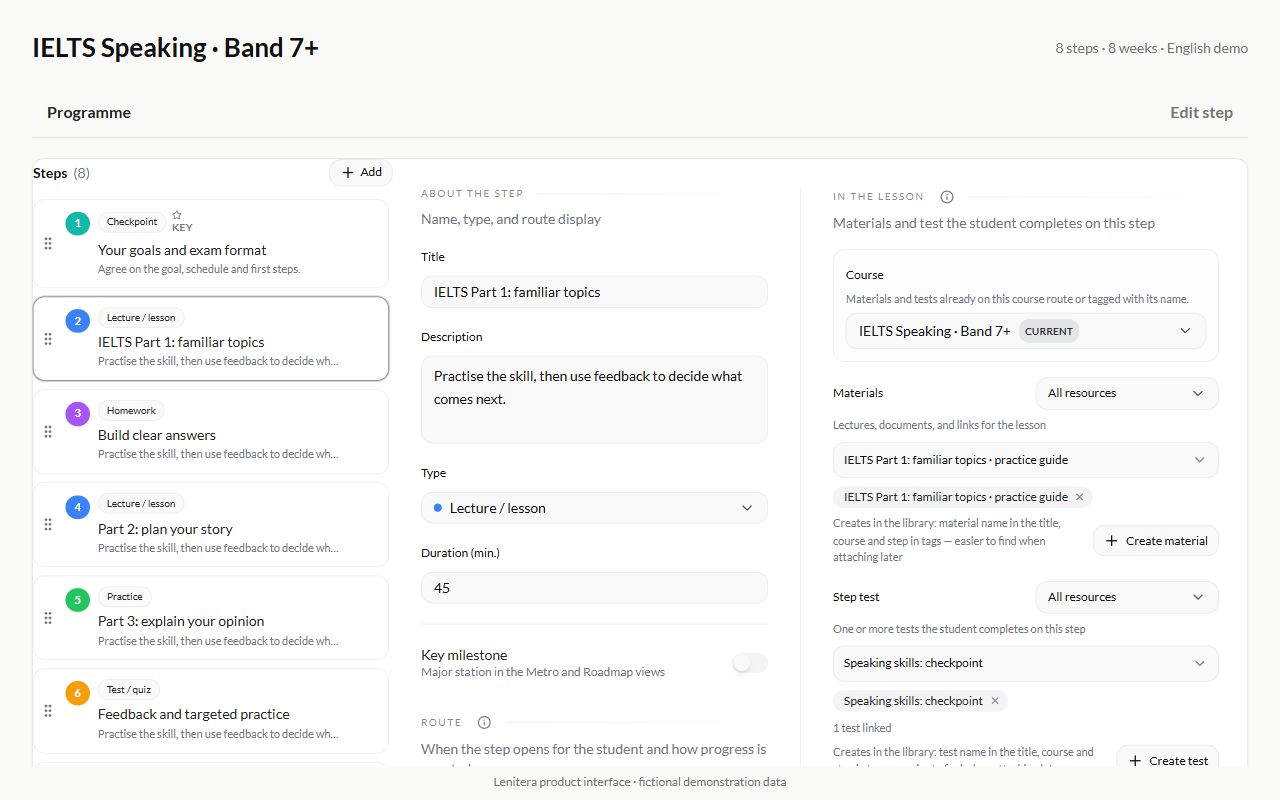

Spot a difficulty. Adjust the next step.
Anna is taking a language course. Here is how her answer helps her tutor adjust the next lesson.
Anna submits an assignment
The task is to describe a trip. Her answer is clear, but too short:
I went to London. It was nice. I liked it.
You find what needs practice
Anna needs to expand her answers with a reason and an example. You leave feedback on her work.
Add an activity for a fuller answer
Before the next topic, add practice with reasons and examples for Anna. The program template and other students’ plans stay as they are.
Expanded answers: a reason + an example
The next lesson builds on what you saw in your student’s work.
How to adjust one student’s plan
An illustrative learning situation. The same sequence works for a maths problem, an essay or exam preparation.
Start with one student.
Try a lesson and one assignment from your own teaching. Add more materials and students when you are ready.
- 01
Choose a starter program
Pick a template at signup or build a program from your library. Adjust it to fit your course.
- 02
Invite a student and add a program
Send your student a sign-in link and assign a program. Their portal will show their topics, materials, and assignments.
- 03
Set the first assignment
Read the answer, leave feedback and choose the next step. Bring in more students when you are ready.
14 days of Pro. Then continue on Free or subscribe to Pro.
Will this work for my subject?
Yes. The language course is an example. Build a program from your lessons, materials, assignments, tests, and flashcards. Lenitera supports one-to-one and group teaching.
Do I need to build a program from scratch?
No. At signup, you can choose starter programs and a library. Adjust the structure to fit your approach, or build a program with your own materials and assignments.
How do students receive and submit assignments?
Invite your student with a link and add a program. They open assignments and submit work in their portal; you review it and leave feedback. Homework and tests are available on Pro, including the first 14 days.
What can parents see?
On Pro, you can give parents access to the schedule and assignment statuses, and send PDF progress reports. Automatic reports are planned for Pro+; that plan is not available to purchase yet.
What happens after the trial?
Your first 14 days include Pro features, including homework and review, with no card required. Then subscribe to Pro or continue on Free with its features and student limit. See the pricing page for the full comparison.
Try Lenitera with one student.
Choose a program, invite your student, and give them their first assignment. Your first 14 days of Pro need no card.