A shared plan.
Individual progress.
Assign work to the group and see each member’s results. Adjust an individual student’s plan when they need more practice.
- Group path
- Individual progress
- Homework for everyone
- You see who is behind

Product screen · Demo example
From chat chaos to a group you can actually see
Sound familiar?
A typical picture without a platform:
- Several students in the group, and it is hard to remember who skipped the assignment
- The shared program lives in a chat and catch-up tasks in direct messages
- You discover missing work only after the group lesson has started
- A separate spreadsheet for every evening group
With Lenitera
How groups solve it:
- A summary of who has not opened and not submitted
- One path for everyone instead of chat threads
- Statuses before the lesson, not a surprise at the mock
- Individual progress without spreadsheets
How groups work
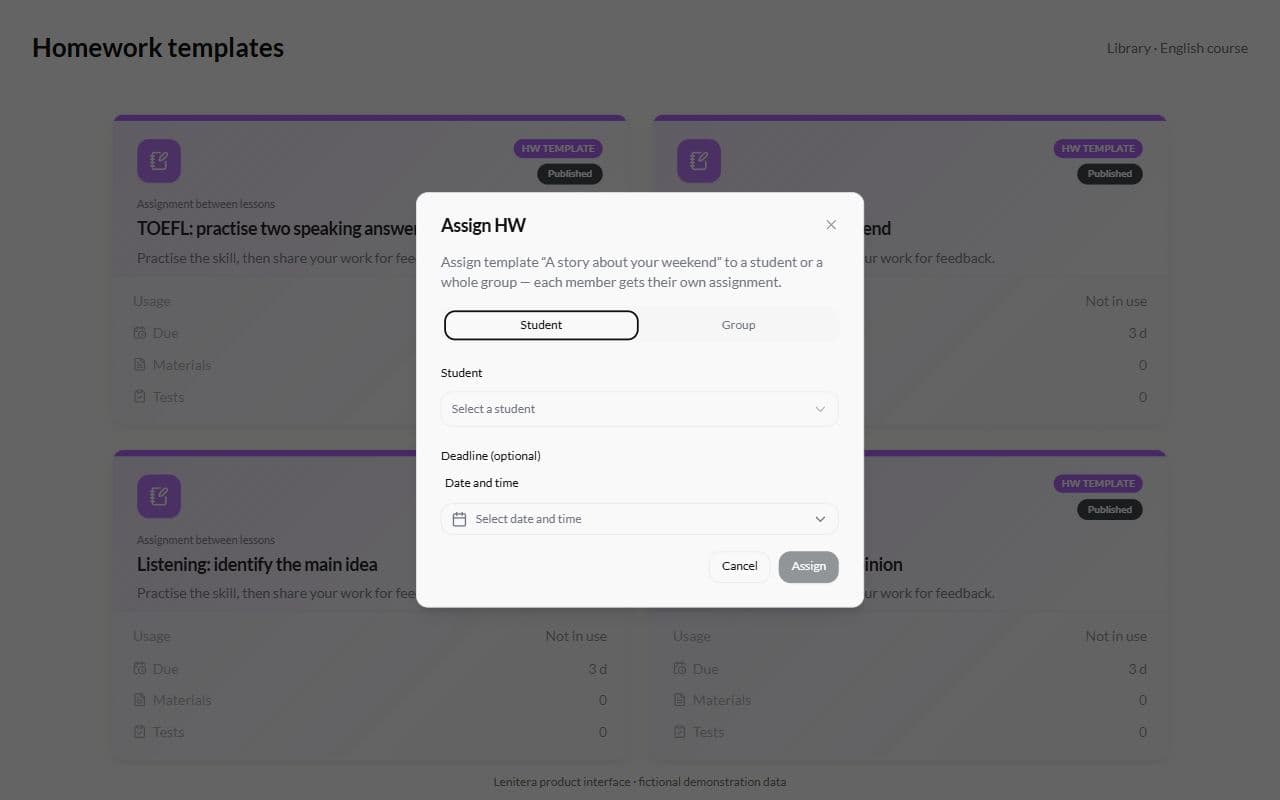
Create the group and assign a path
Keep members, the schedule, and a shared program together for the whole group.
Assign steps to everyone at once
Homework, a quiz or a material — in one action. Everyone submits in their own dashboard.
See who is behind
A heatmap shows missing submissions and difficult checkpoints, so you can add support where it is needed.
From creating a group to catching who falls behind
A shared path for the group
One program for everyone, with no need to copy steps by hand.
- One course structure for the whole group
- Launching is as fast as for one-to-one
- Edits do not have to be repeated per student
Individual progress for every member
The plan is shared, but each student keeps an individual status. See who submitted and who needs support.
- A separate picture for each student
- Who has not opened or not submitted
- No per-member spreadsheets

Targeted adaptation inside the group
If several students need more practice, add an activity for them while keeping the rest of the group’s program.
- Extra steps only for those who need them
- The shared group plan stays intact
- No mess in materials and chats

How groups work
From creating a group to catching who falls behind — without copying tasks or juggling a dozen chats.
Create the group and assign a path
Members, the schedule, and a shared program stay together for the whole group.
Assign steps to everyone at once
Homework or a quiz — in one action. Everyone submits in their dashboard through a magic link.
See who is behind
A heatmap: who has not opened, not submitted or failed the mock. Catch-up steps where they are needed.
What it works with
Programs, schedules, assignments, and results for the group and each member
The path
What the group gains:
- One shared program for everyone — no copy-paste
- Change a topic once and it applies to the whole group
- A new member joins the same plan
Progress
How it differs from a chat:
- Every status is visible before the online lesson
- See who has yet to submit an assignment
- Review activities for selected students
Lessons
What a group slot gains:
- One slot instead of eight separate cards
- Materials for every member
- A shared agenda, a personal pace
The dashboard
What submitting gains:
- Each member submits work in their own portal
- A magic link: no separate login for the student
- Parents see the homework and stop asking what was assigned
More for your teaching

Homework and tests
Written work, problem sets, quizzes, and practice tests in the same learning plan
Learn more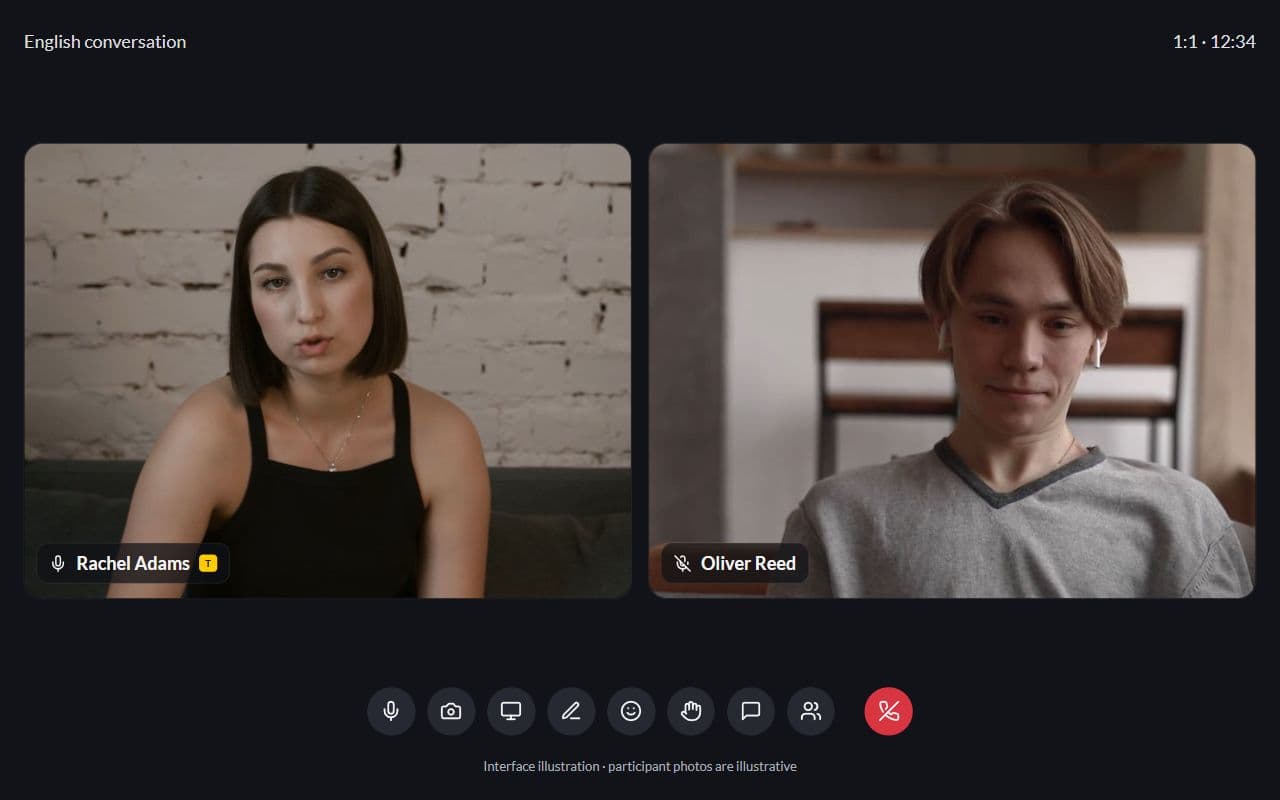
Student portal
Homework, tests, and materials through one dashboard — no more "where is the link?"
Learn more
Frequently asked questions
- Yes. Shared steps for everyone, plus extra ones for whoever needs them.
- There is no fixed group-size limit. Choose a size that fits your teaching format; see the pricing page for plan features and quotas.
- Yes. Add a group lesson to the calendar and teach in the built-in lesson room. Recording is available on Pro.
Launch your first group without spreadsheets and scattered chat threads
Assign a shared path, send the steps to the whole group and see straight away who is behind.