Parents can see
their child’s schedule and assignments.
On Pro, give families access to the schedule, assignments, and their statuses. Parents sign in with a link from the tutor to see their child’s information.
- Schedule
- Progress
- Magic link

Product screen · Demo example
Sound familiar?
Typical messages from parents:
- "What was assigned this week?"
- A moved online lesson has to be repeated to the parent and the student
- Nobody knows whether the child is submitting the cue cards
- A separate chat with every parent eats your time
With Lenitera
What the parent sees:
- The upcoming lessons
- The assigned homework and its status
- Progress along the learning plan
- No daily questions for you
How the parent portal works
Invite the parent
A magic link by email — access to the schedule and statuses without sign-up.
The parent sees what is current
Upcoming lessons, assigned homework, and submission status stay visible without another message to the tutor.
You get your time back
Fewer routine replies, more time for lesson prep and the program.
From an invite to transparent progress
The same statuses the student sees
To do / for review / results — the parent gets the picture without messaging you.
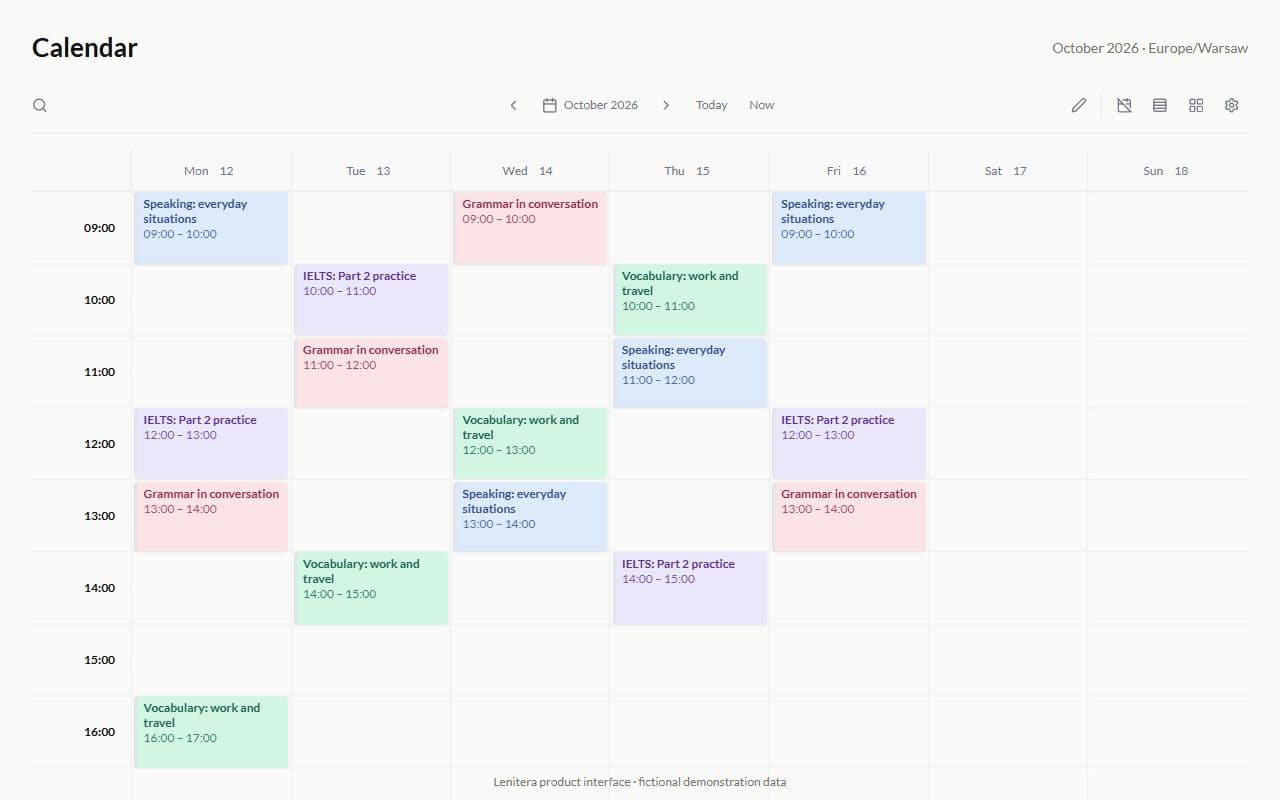
The lesson schedule
Upcoming slots from your calendar — a change of time is visible without a separate message.
Progress along the learning plan
Parents can see where the student is in the learning plan and how much has been completed.

More for your teaching

Student portal
Homework, tests, and materials through one dashboard — no more "where is the link?"
Learn more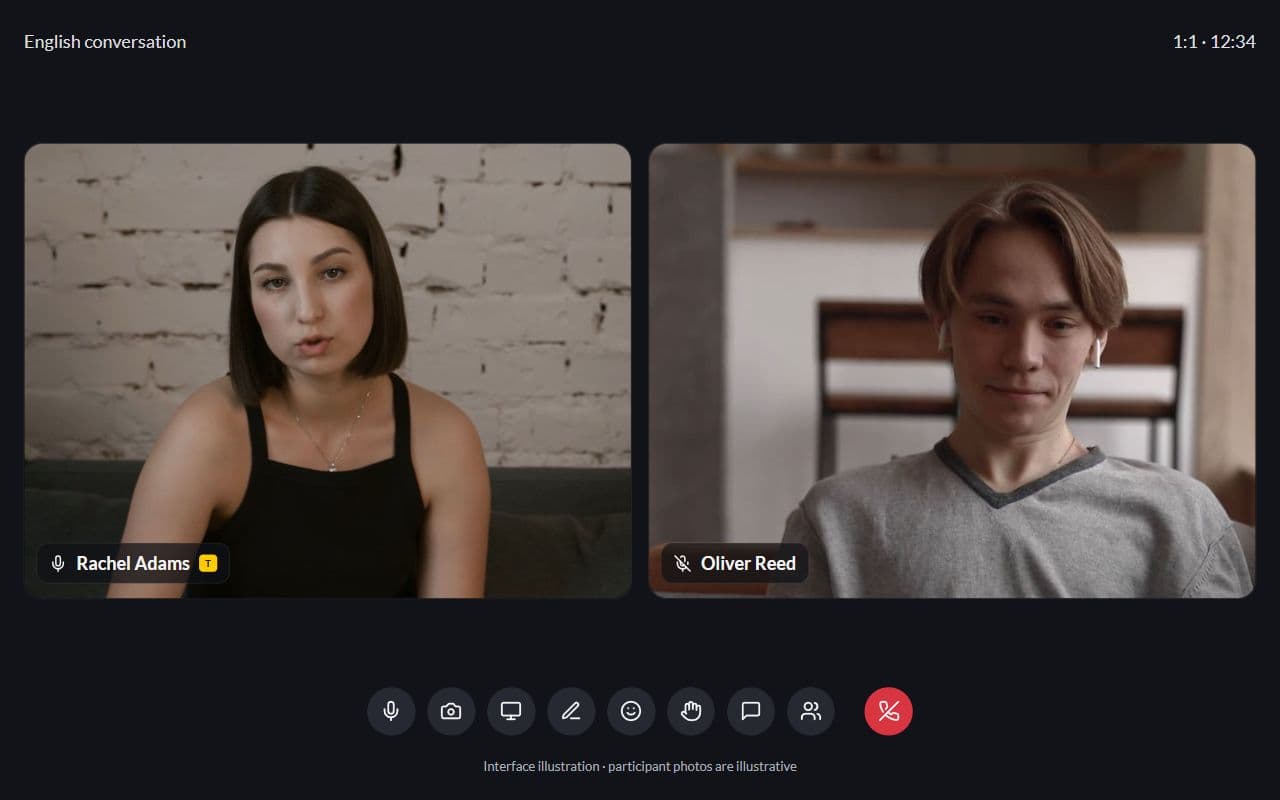
Calendar and lessons
One-on-one lessons and groups — every slot linked to a student and learning plan
Learn more
Frequently asked questions
- They see the step and homework statuses. Detailed feedback follows your visibility settings.
- No. A magic link, like the student one — they open it and see what is current.
- You can give access to several students from one parent portal.
Try Lenitera in your teaching
Start with a template and one student. Your first 14 days of Pro need no card.