Teach your lessons.
Keep materials and assignments close.
Teach one-to-one or in groups in the built-in lesson room. Open topic materials, explain on the whiteboard, and assign practice after class. Whiteboard and recording are available on Pro.
- Video call
- Whiteboard
- Reactions
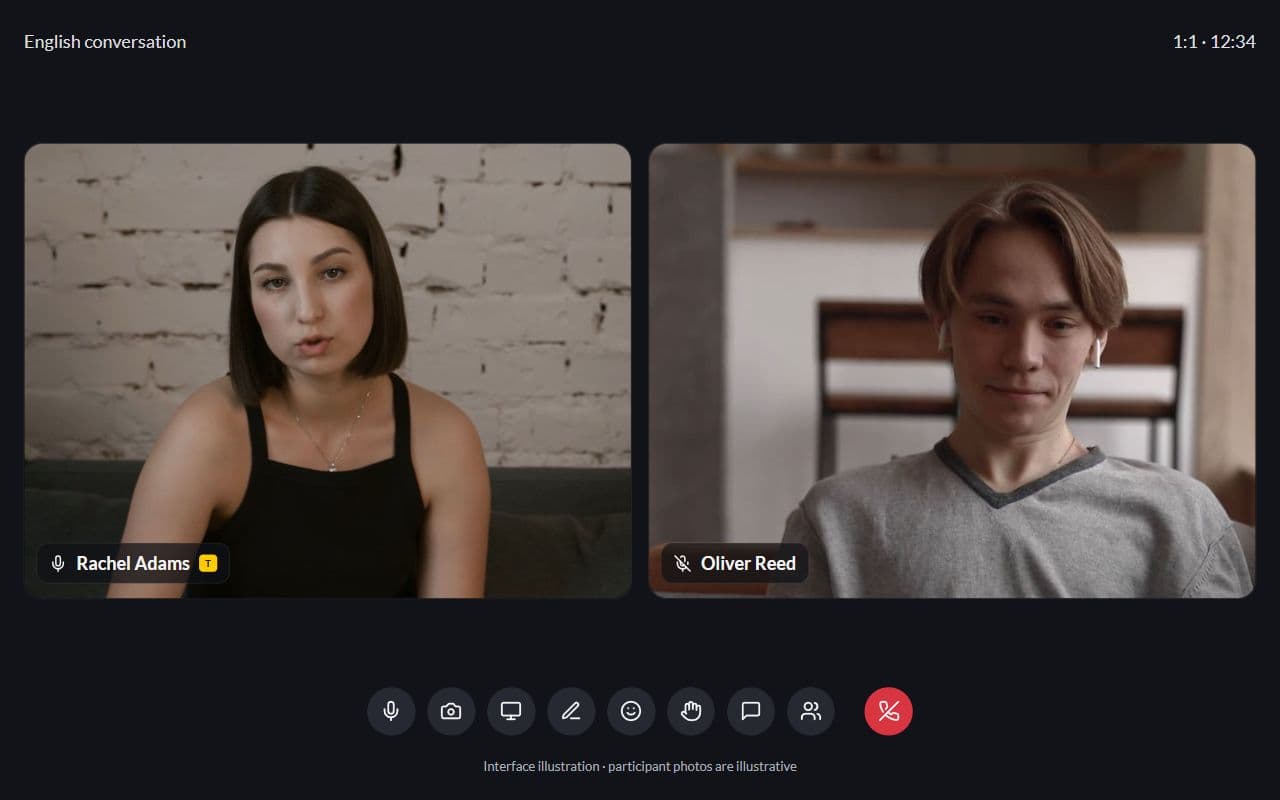
Interface illustration · Demo example
Sound familiar?
A typical online lesson without a connected platform:
- Zoom for video, Miro for the board, Drive for cue cards
- Students lose the board link after class
- After the lesson you paste the link to the homework by hand
- Notes from the previous topic are separate from lesson materials
With Lenitera
What changes in the lesson:
- One service instead of five browser tabs
- Call, whiteboard and reactions in the same room
- The lesson is a path step, so teaching context is never lost
- You assign homework and a quiz right after the session
How a lesson runs
Open the lesson from the calendar or the path
The student gets a link. You see where they are in the program and what happened last time.
Teach with the whiteboard and reactions
A board for diagrams and vocabulary, reactions and raised hands for quick feedback — without leaving the call.
Assign practice after class
A cue card task or a grammar quiz from the library in one click. The path status updates itself.
From the calendar to the next homework
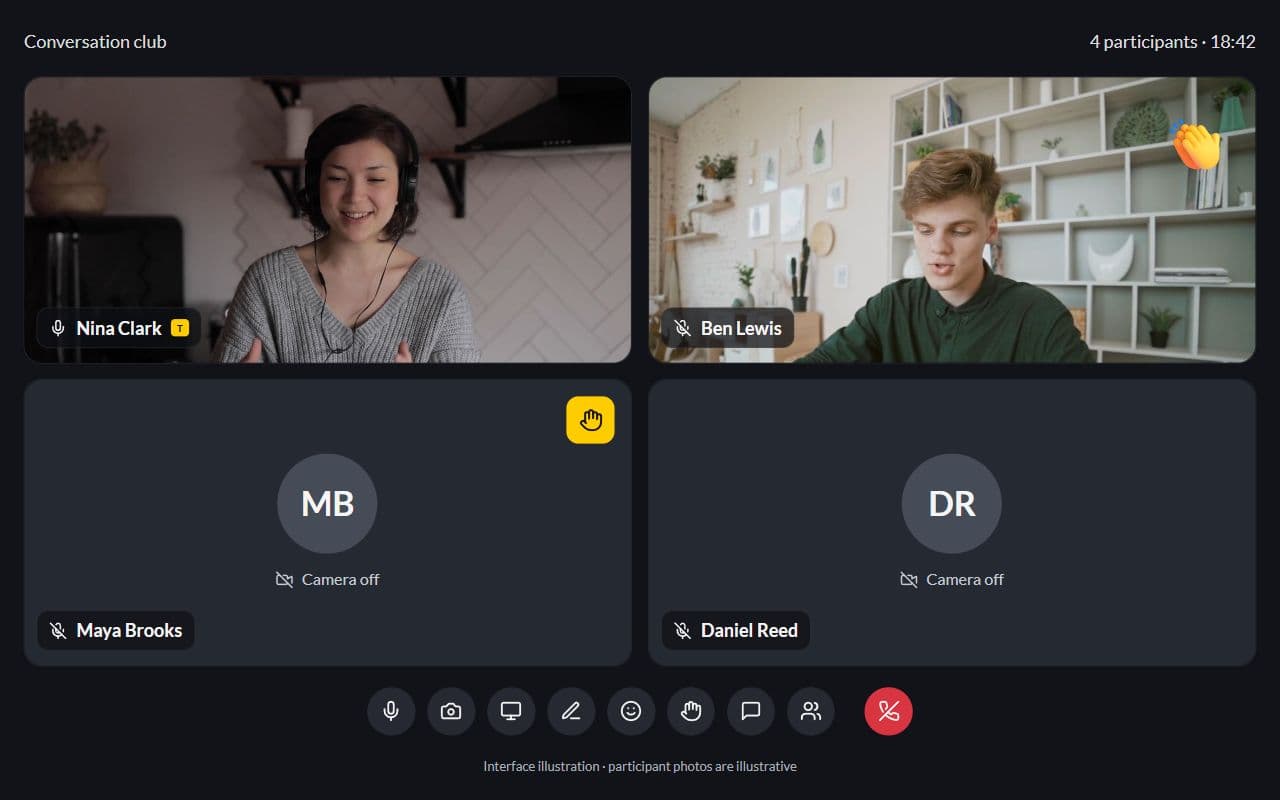
Everyone in one room
Tutor and students share the same session — gallery tiles, mute state and speaking indicators without juggling Zoom windows.
- Multi-participant gallery
- Mute and speaking cues
- Names from your student list
Interface illustration · Demo example
Whiteboard next to the call
Cue-card plans and vocabulary stay on the board while you teach, without opening another tool.
- Board beside the video
- Lesson materials in the same chrome
- Context tied to the path step
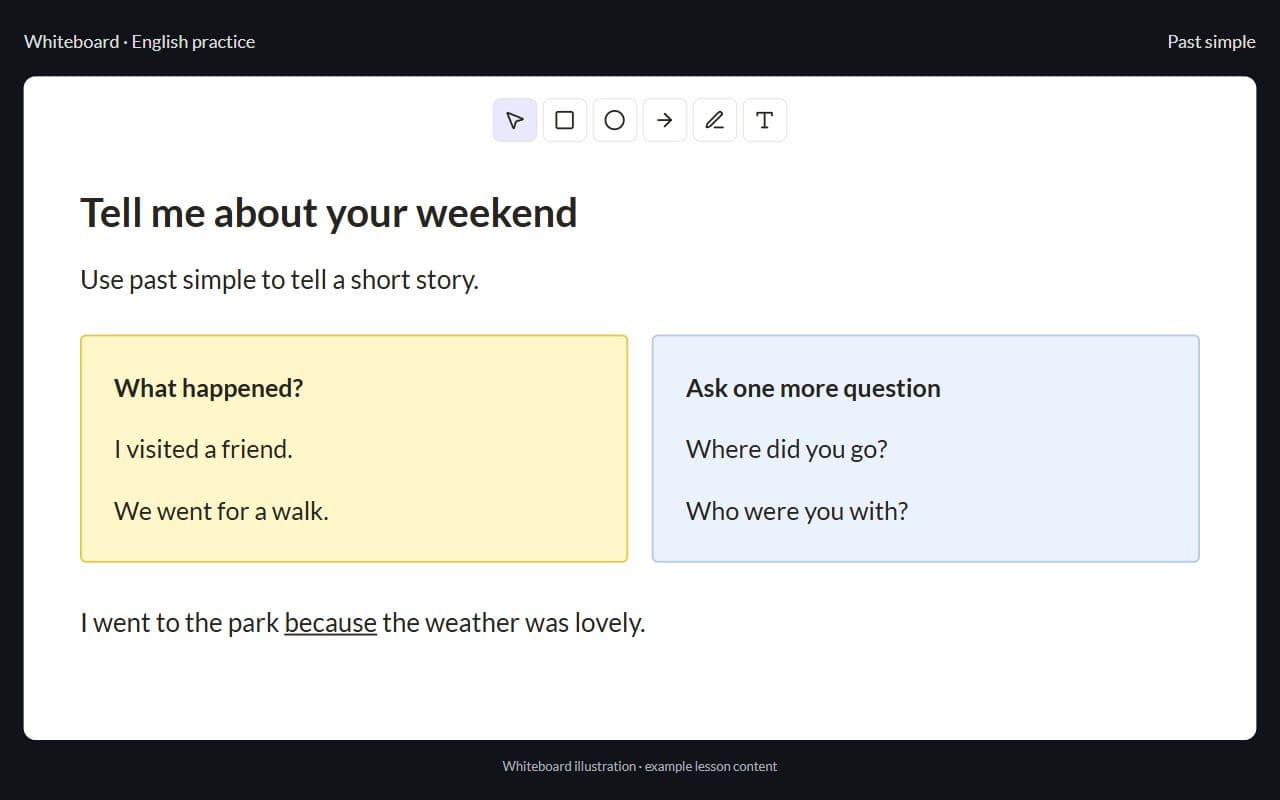
Interface illustration · Demo example
After the lesson — practice without chat
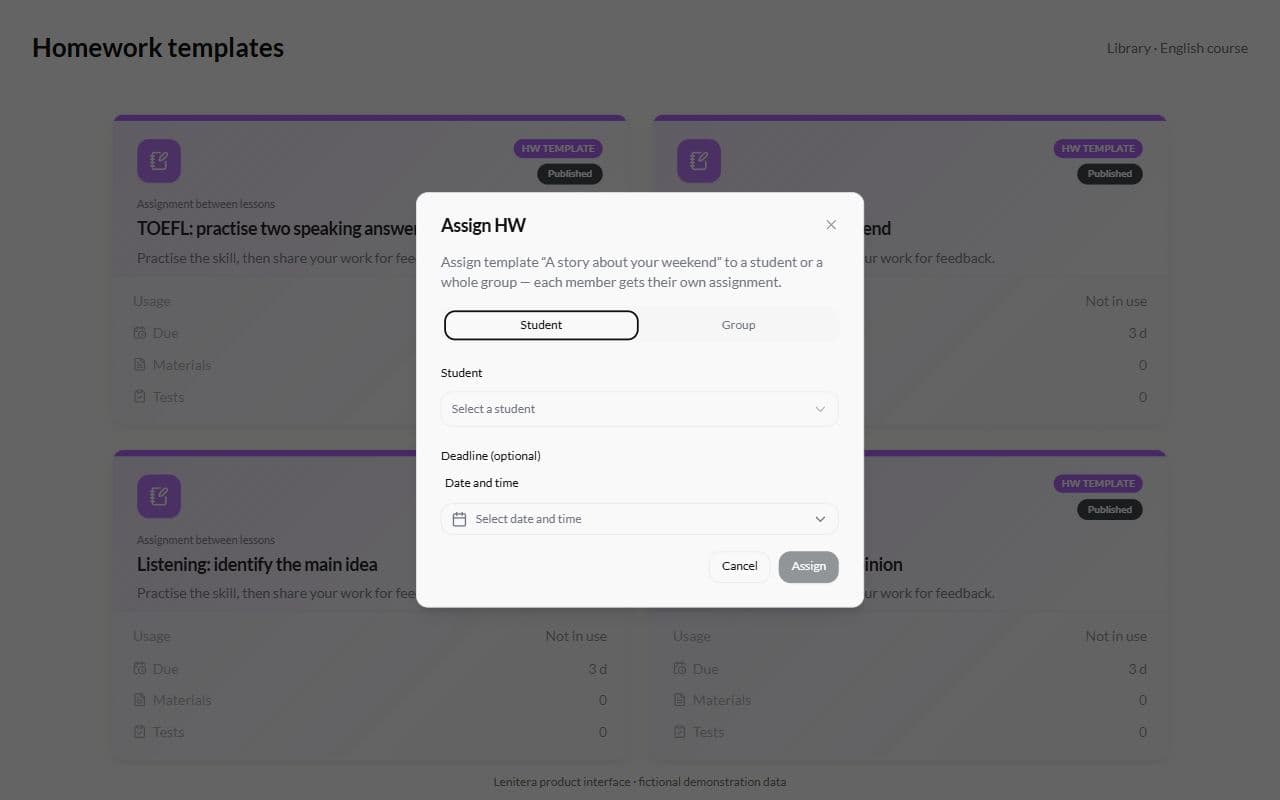
Assign homework or a quiz, the student submits through a link, and you see the status before the next lesson.
- Assign from the library
- A queue of work waiting for review
- No duplicate links in Telegram
Inside this feature
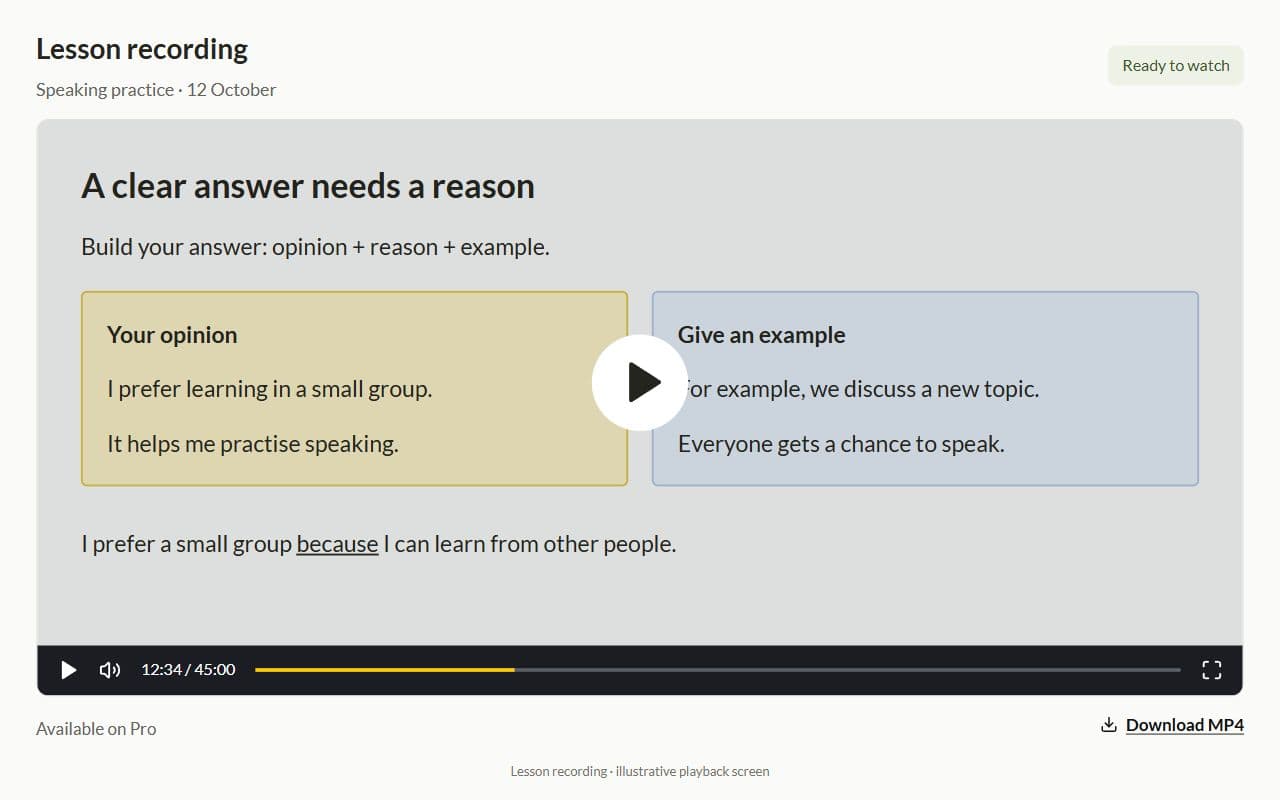
Whiteboard and reactions have their own deep dives. Lesson recording is available on Pro; AI transcripts are planned and not available yet.
In development
AI transcriptBuilding
A transcript with timestamps for review after class. Not available yet.
More for your teaching

Learning plans
Lessons, materials, homework, and checkpoints arranged around each student's goal
Learn moreHomework and tests
Written work, problem sets, quizzes, and practice tests in the same learning plan
Learn more
Lesson recording and planned analytics
Lesson recording is available on Pro. Transcripts and viewing analytics are planned.
Learn more
Groups and mini-classes
One shared group path, with personal submission status for every member
Learn more
Frequently asked questions
- No. Lenitera includes a video call, whiteboard, and reactions. Zoom is optional.
- Yes. Lesson recording is available on Pro. Transcripts and AI summaries are planned and not available yet.
- The lesson is a step in the program. Afterward, assign homework, practice, or a checkpoint as the next step.
Try Lenitera in your teaching
Start with a template and one student. Your first 14 days of Pro need no card.