Reactions —
feedback without chat noise
Students send a quick reaction or raise a hand, and you see it in the lesson room without interrupting the flow.
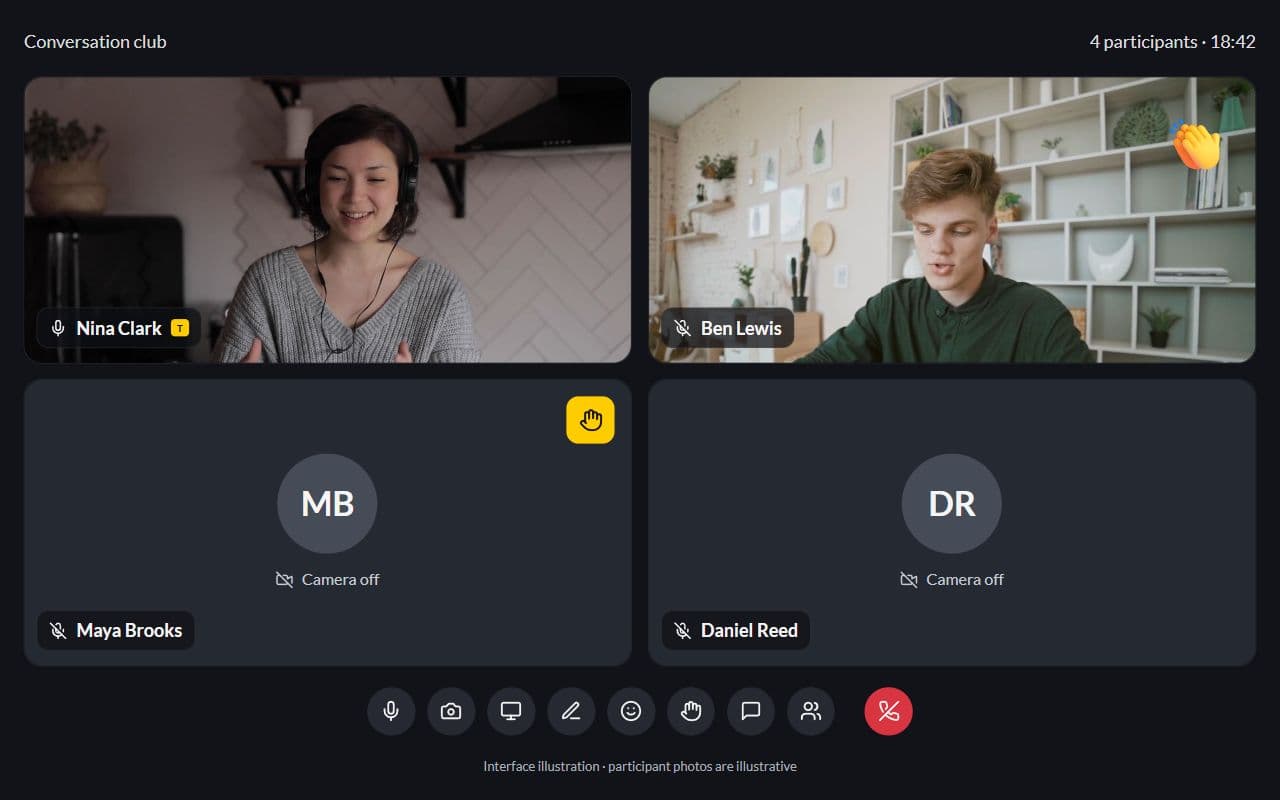
Interface illustration · Demo example
Sound familiar?
Feedback during a call without reactions:
- Students type in chat and interrupt the lesson flow
- Raised hands are verbal “me!” over each other
- You miss quiet students who need a turn
- Parents ask later whether the child “participated”
With Lenitera
What the room gives you:
- Emoji reactions on the tile
- Raised-hand queue in the lesson UI
- Feedback without leaving the activity
- Same room as the video call and whiteboard
How reactions work in class
The student raises a hand or sends a reaction
During the lesson, the student selects a control in the lesson room.
You see it in the lesson room
Reactions appear over the participant gallery, and raised hands stay visible.
Give the student a turn
Call on the student, clear the raised hand, and keep the lesson moving.
Keep the lesson moving with a simple signal
Reactions that float across the stage
Hearts, claps, fire — animated over the gallery so the room feels alive without opening chat.
Interface illustration · Demo example
Raised hands
See who is waiting for a turn while someone else speaks.
Interface illustration · Demo example
Same room as the call
Controls for mute, camera, reactions, and hand live in one dock.
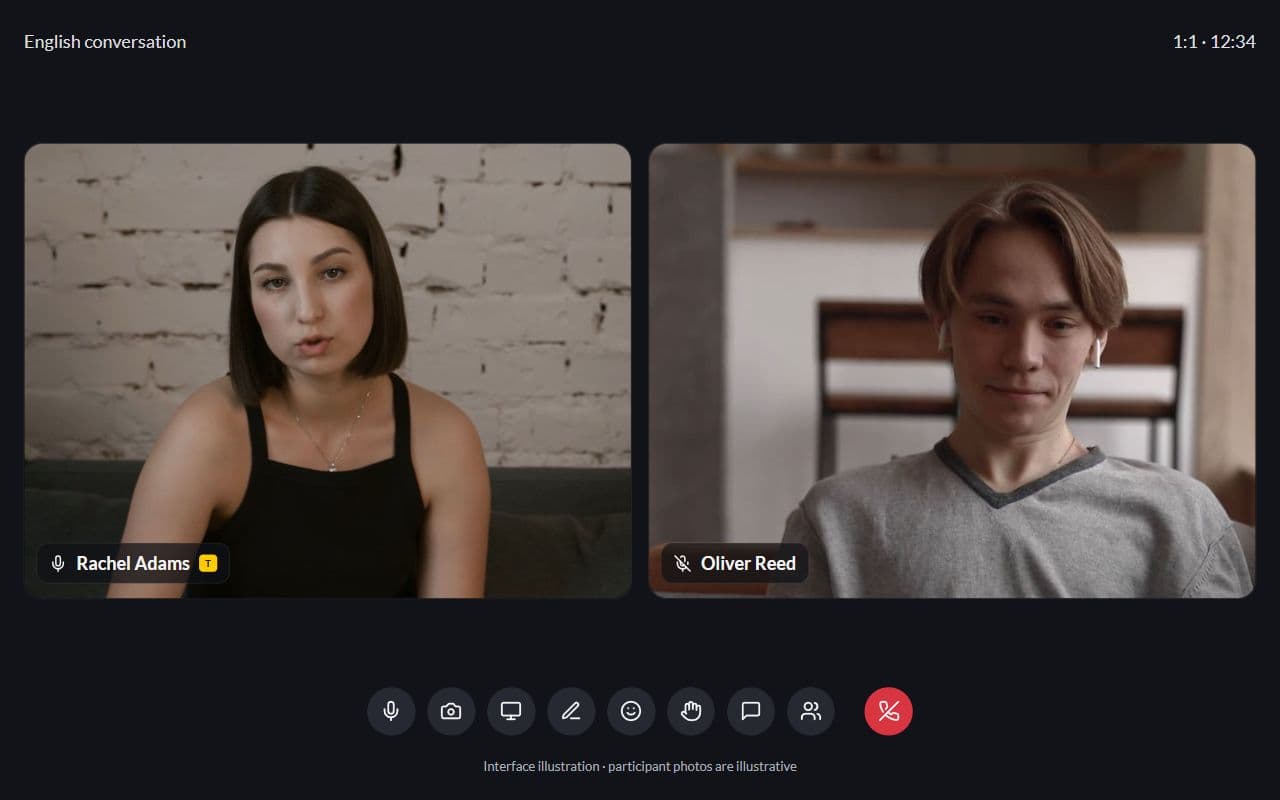
Interface illustration · Demo example
More for your teaching

Groups and mini-classes
One shared group path, with personal submission status for every member
Learn more
Student portal
Homework, tests, and materials through one dashboard — no more "where is the link?"
Learn more
Frequently asked questions
- No. They are a lightweight signal during a lesson. Use chat when you need a longer message.
- Yes. They make it easy to see who wants the next turn.
- AI transcripts are planned and not available yet. Reactions and raised hands are already available in the lesson room.
Try Lenitera in your teaching
Start with a template and one student. Your first 14 days of Pro need no card.