Explain on the whiteboard
during a video lesson.
Sketch diagrams, work through examples, and capture key ideas while you teach. The board stays beside the participant gallery.
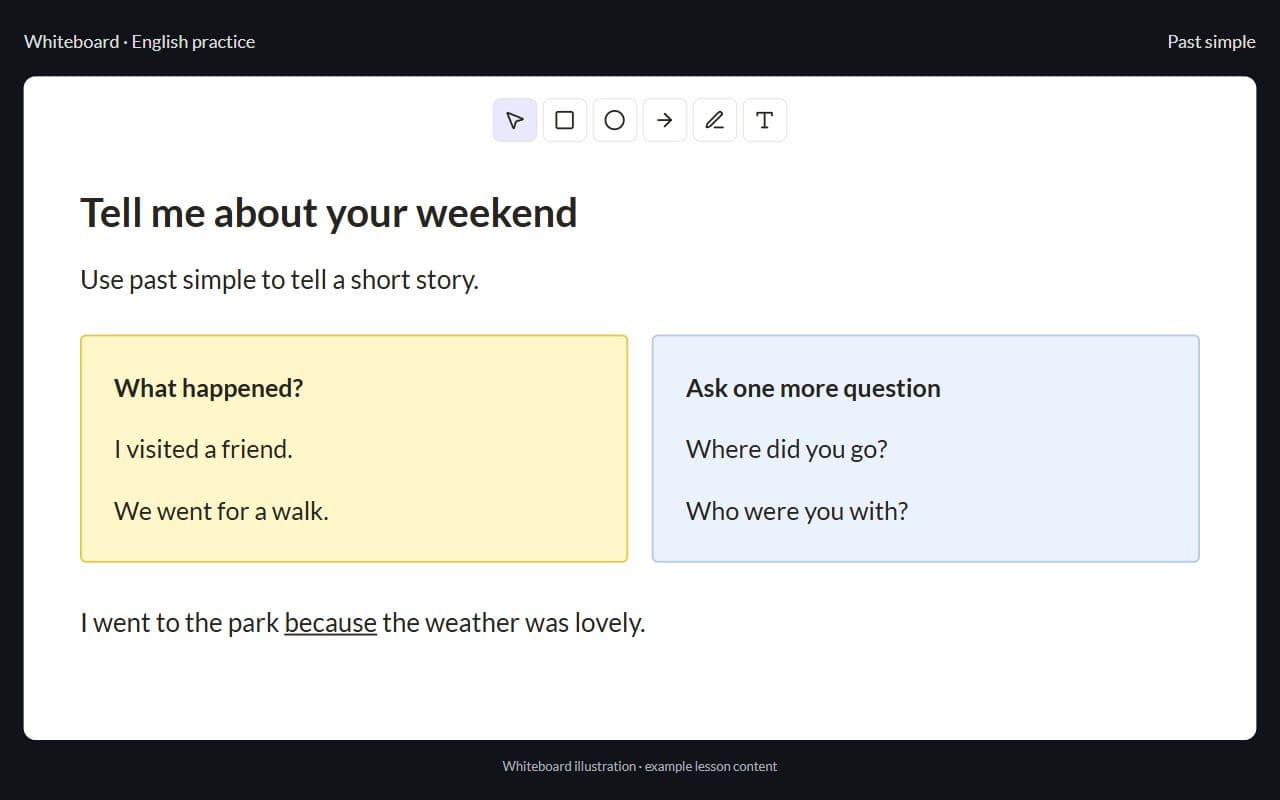
Interface illustration · Demo example
Sound familiar?
Board tools without a platform:
- Miro or a shared doc in a third browser tab
- Students lose the link after class
- The board is not tied to the learning step you just taught
- You paste screenshots into chat for parents later
With Lenitera
What changes:
- Board beside the video tiles
- Same lesson context as the call
- Materials stay with the learning step
- No Zoom + Miro juggling mid-sentence
How the whiteboard fits the lesson
Open the lesson room
Students join by link. The whiteboard sits beside the participant gallery in the lesson room.
Teach on the board
Explain a concept, annotate a diagram, or work through a problem without leaving the call.
Assign the next step
Homework and materials stay tied to the learning plan after class.
From opening the room to the next homework
Board inside the lesson room
Not a separate product — it lives where you already teach.
Interface illustration · Demo example
Gallery stays visible
Keep seeing who is speaking while you write the note plan.
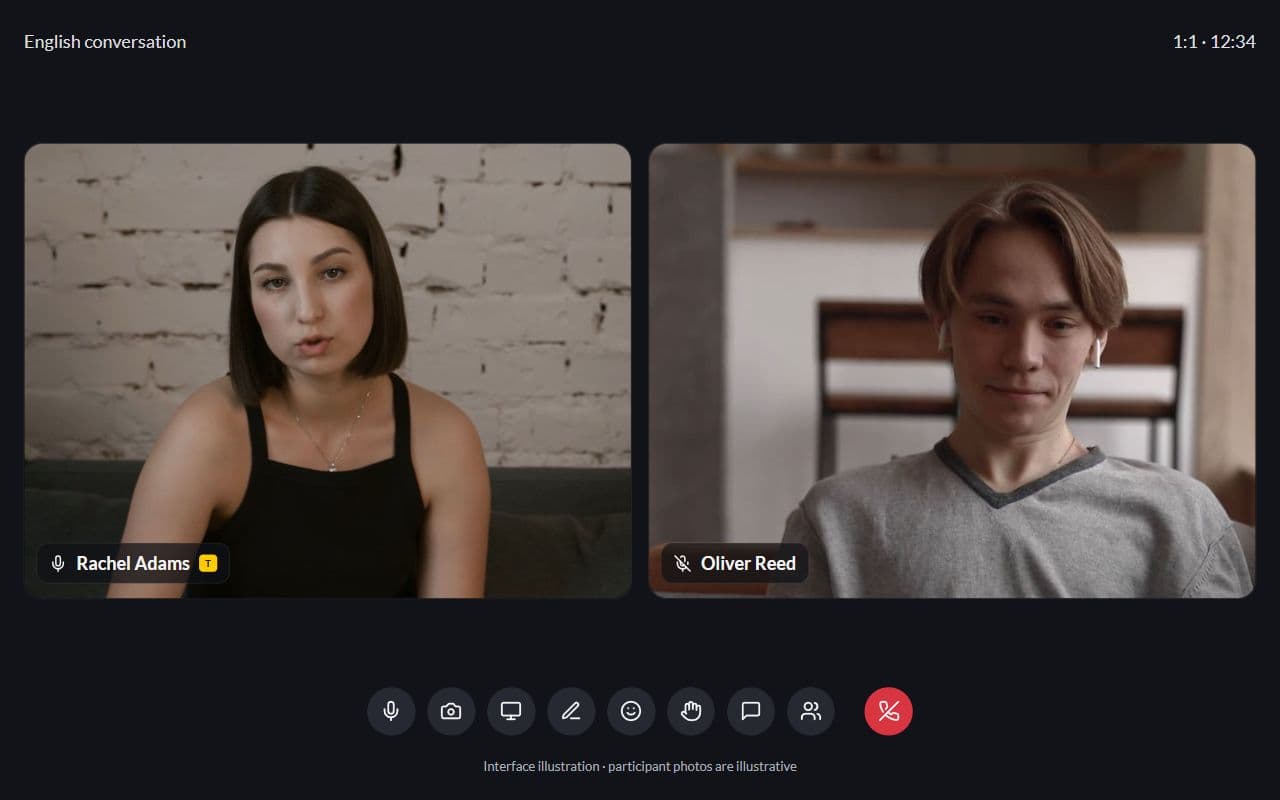
Interface illustration · Demo example
Part of the same lesson room
Video, the whiteboard, and reactions work together in one lesson room.
Interface illustration · Demo example
More for your teaching

Homework and tests
Written work, problem sets, quizzes, and practice tests in the same learning plan
Learn more
Learning plans
Lessons, materials, homework, and checkpoints arranged around each student's goal
Learn more
Frequently asked questions
- For everyday explanations, diagrams, and worked examples, no. You can still use a specialized external board when a lesson calls for it.
- Yes — it is part of the shared lesson room, next to the video tiles.
- The whiteboard is saved separately from the lesson video. Video recording is available on Pro; transcripts are not available yet.
Try Lenitera in your teaching
Start with a template and one student. Your first 14 days of Pro need no card.