Introduce your teaching.
Let students book a lesson.
Add your lesson descriptions, services, and prices. Students can see available times and book through your link without arranging every time in messages.
- Online booking
- Widget
- QR code
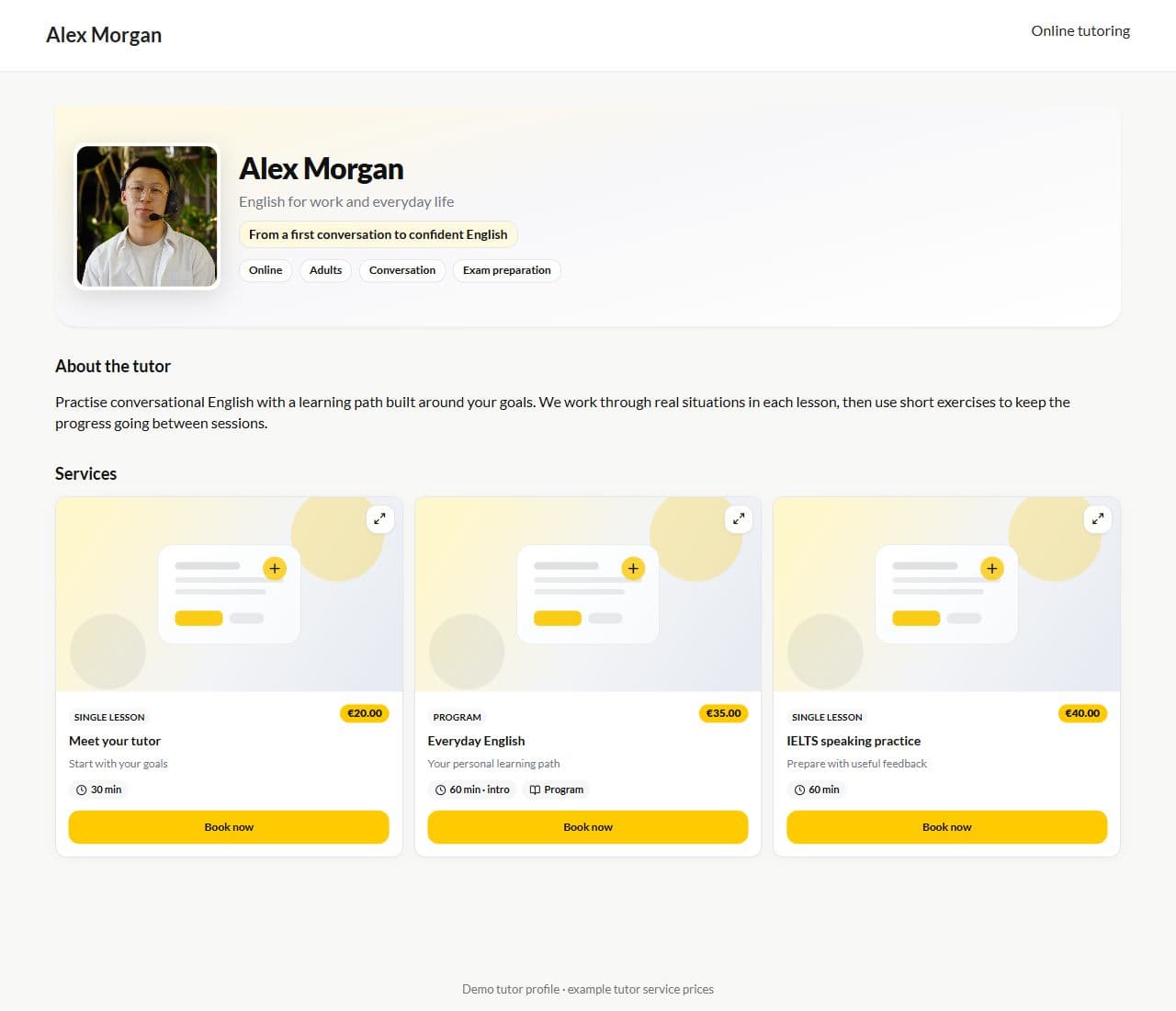
Product screen · Demo example
Sound familiar?
Before the first lesson without a page:
- “What do you teach? How much does it cost? When are you free?” — the same questions in your DMs
- Booking through messages means losing requests
- You have no single "everything about me" link for your Instagram bio
- A website is expensive and your profile stays empty
With Lenitera
What the page gives you:
- Services and prices on one screen
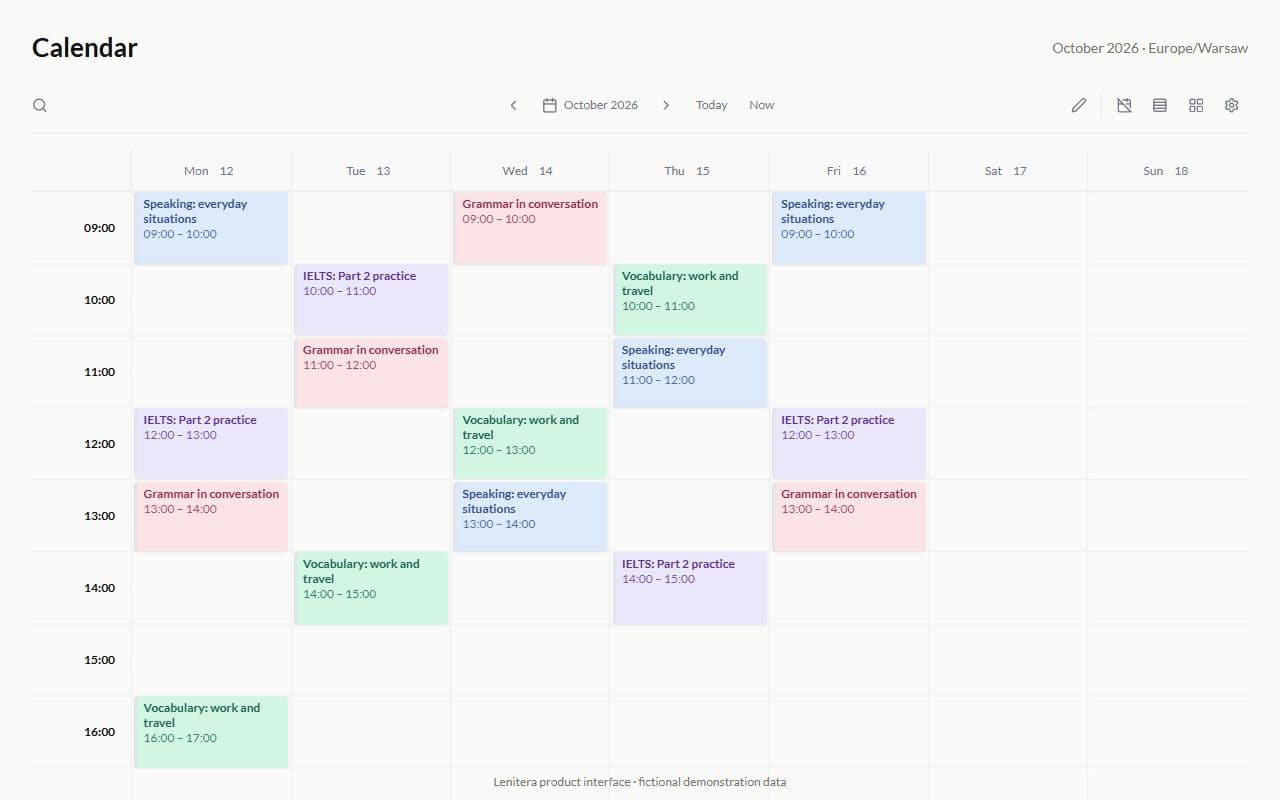
- Open slots from your calendar
- Requests come straight to you
- A QR code and a link for social media
How the page works
Set up your profile and services
List subjects, programs, group formats, or an introductory lesson with descriptions and prices in your own voice.
Open slots for booking
Free time from your calendar — the student picks the slot that suits them.
Share the link or the QR code
Bio, Stories, a business card — the request reaches you with no manual entry.
From setup to a new student in your calendar
A showcase of your services
Subjects, programs, groups, and introductory lessons help students understand the format before contacting you.
Slots from your calendar
Availability comes from your own schedule, helping you avoid double-booking.
After the booking — the path
The new student is in the system, ready for a learning plan and the first lesson.

More for your teaching
Calendar and lessons
One-on-one lessons and groups — every slot linked to a student and learning plan
Learn more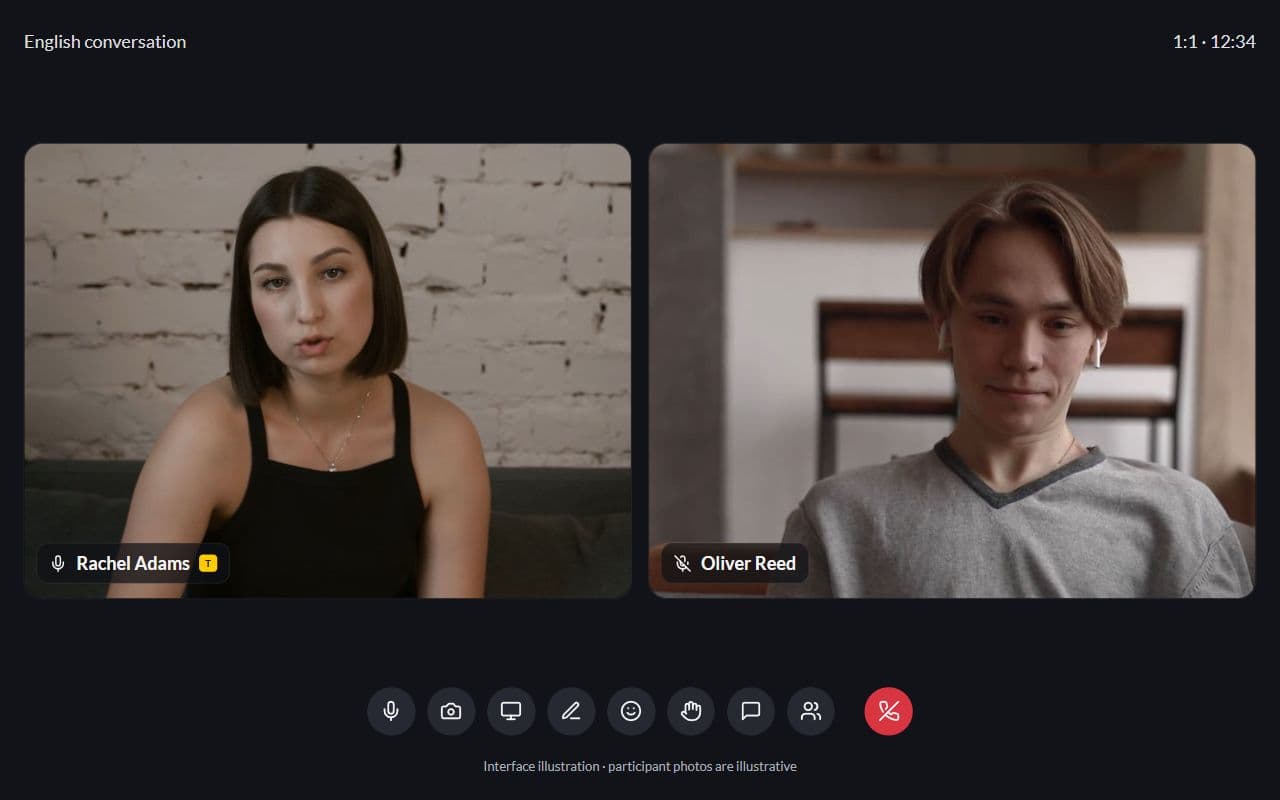
Student profile
Learning plans, tutor notes, lessons, and progress — context before the lesson
Learn more
Learning plans
Lessons, materials, homework, and checkpoints arranged around each student's goal
Learn more
Frequently asked questions
- No. A Lenitera public page is enough — share it as a link or a QR code.
- Yes. Add one-on-one lessons, groups, programs, or an introductory lesson, each with its own length and price.
- A new student in the system and a slot in your calendar. Then you assign a path and start teaching.
Try Lenitera in your teaching
Start with a template and one student. Your first 14 days of Pro need no card.